
Blog
App Management with EasyControl MDM: Silent Install, App Whitelisting, Time Fencing, and Beyond
Discover how EasyControl MDM enables full-scale app management with silent installs, whitelisting, time fencing, and remote control across Android devices.
- 发布日期
- 2025年4月18日
- 更新日期
- 2026年6月11日
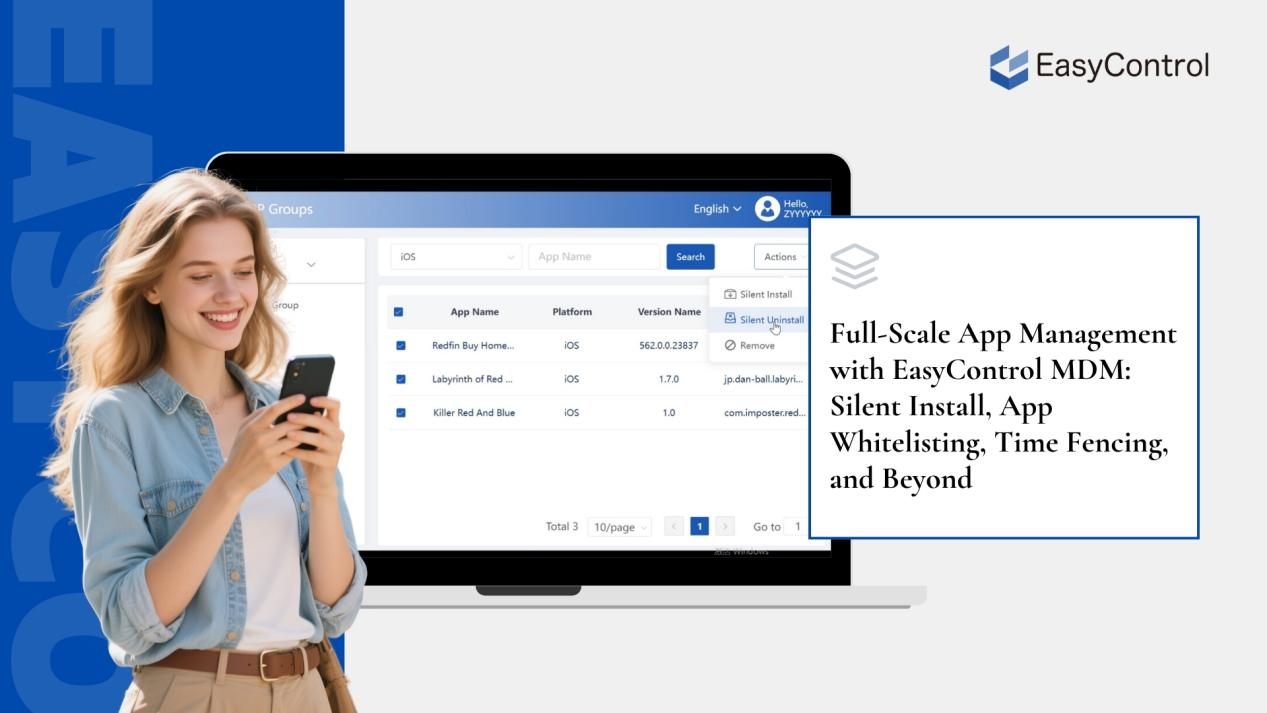
In today’s connected world, mobile devices have become the backbone of operations across a wide range of industries — from education and logistics to retail, hospitality, and beyond. But it’s not just the hardware that matters — it’s the software inside these devices that drives productivity and efficiency.
This is where Mobile Device Management (MDM) platforms step in. And among software management features, enabling businesses to gain full control over the applications that run on their devices.
Whether you’re managing tablets for a school, smartphones for your field sales team, or Android-based kiosks for customer self-service, EasyControl helps you remotely install, update, and control apps — silently and at scale.
In this article, we’ll explore:
- Why app management is essential to modern device fleets
- The typical industries and scenarios that benefit from EasyControl
- Core features and functionality of EasyControl’s app management tools
- How we help businesses solve real-world software-related pain points
Let’s dive in.
Why App Management Is Now a Business-Critical Function
In the past, companies were mostly concerned with securing mobile hardware. Today, the bigger challenge lies in managing the software environment — specifically, the applications that employees, customers, or students interact with.
Why is this so important?
Because without proper app control:
- Critical apps may be accidentally deleted
- Unapproved apps may be installed, risking security or compliance
- Users may use devices for non-work activities, leading to productivity loss
- Outdated versions may lead to crashes, bugs, or data errors
Support teams may spend hours troubleshooting issues that could be solved with simple remote policies.
In fact, according to a Gartner report on Unified Endpoint Management, organizations that adopt automated app management strategies can reduce IT support costs by up to 40%, while significantly improving operational efficiency and device security.
This complexity only grows as your device fleet scales. That’s why more businesses are turning to MDM platforms like EasyControl to simplify and automate app control — turning chaos into clarity.
Who Needs App and Software Management? 5 Common Use Cases
Let’s take a closer look at the kinds of organizations that rely on EasyControl’s app management capabilities:
1. Device Rental and Leasing Companies
Companies that rent mobile devices for events, temporary workforce, deliveries, or logistics must ensure that:
- The correct apps are pre-installed
- Updates can be pushed remotely without visiting the site
- Devices remain locked to specific apps or configurations
- All customer data and apps are wiped clean upon return
EasyControl allows these companies to provision and deprovision devices efficiently, saving time and minimizing errors.
2. Educational Institutions
Tablets in schools and training centers are powerful learning tools — when used correctly. Admins often need to:
- Restrict access to only educational apps
- Disable social media or games during school hours
- Push out updated courseware or exam apps on demand
- Lock devices into “study-only” mode
With EasyControl, administrators can define time-based app rules, manage app access for different grades or classes, and ensure that learning remains distraction-free.
3. Android Set-Top Box Manufacturers and Distributors
Companies that produce or distribute smart TVs and Android boxes want to offer a consistent, branded user experience. Their needs include:
- Automatically installing a set of streaming apps
- Preventing users from installing third-party software
- Keeping a minimal, branded interface
- Pushing updates and fixes over the air
EasyControl provides remote deployment tools, custom desktop configurations, and persistent app enforcement to help these vendors deliver a controlled and seamless product experience.
4. Kiosks, POS Devices, and Self-Service Screens
Retailers, restaurants, banks, and hospitals increasingly use Android-based kiosks for self-service. These devices often run a single mission-critical app and must be:
- Always online and responsive
- Resistant to tampering or exiting the app
- Able to update remotely without user interaction
EasyControl ensures that the designated app remains running, restarts if it crashes, and can’t be closed or uninstalled by users.
5. Enterprises Managing Work Phones
Businesses with mobile workforces, such as field technicians, logistics teams, or sales reps, often provide phones to their employees. Common challenges include:
- Preventing the installation of games or social media apps
- Keeping business apps up to date
- Reducing distractions during work hours
- Ensuring the phones are used solely for work-related activities
EasyControl solves these problems by combining app whitelisting, remote updates, and time-based usage rules.
What EasyControl Offers: Complete App Lifecycle Control
EasyControl MDM includes all the tools you need to manage apps across your device fleet — no matter the use case or industry.
1. Silent Remote App Installation, Updates, and Removal
Install or update apps without interrupting the user experience. EasyControl supports:
- Silent installation of APKs or Play Store apps
- Batch updates across groups of devices
- Remote uninstallation of unwanted or outdated apps
- Command queuing for offline devices
There are no pop-ups, no user permissions, and no manual actions required — everything is handled from the cloud dashboard.
Real-world example:
A company with 1,000 delivery drivers updates its route optimization app overnight, silently and simultaneously, without affecting operations.
2. App Keep-Alive: Auto-Restart Critical Apps
If a mission-critical app crashes or is force-closed, EasyControl can automatically detect this and relaunch the app instantly. This is vital for:
- Point-of-sale systems
- Healthcare kiosks
- Manufacturing dashboards
Admins can define which apps should stay persistent and which can be closed. This ensures reliability and reduces downtime — no more user complaints about frozen screens or missing functions.
3. App Whitelist and Blacklist
Control exactly which apps are allowed on your devices:
- Whitelist only business-approved apps
- Blacklist games, social media, or risky tools
- Block installation from unknown sources or file browsers
These policies protect your devices from malware, unauthorized use, and reduce distractions.
Security tip:
Combine app control with EasyControl’s network and system policies to build a fully locked-down device environment.
4. Time Fencing for App Usage
Time fencing enables you to control app usage based on schedules. For example:
- Allow entertainment apps only during breaks or after school hours
- Block social media apps during work hours
- Schedule system maintenance or restart at night
This flexible tool is especially powerful in education and corporate settings where device usage must follow a routine.
5. Custom Desktop and App Shortcut Layout
Go beyond stock Android and create a branded, minimal home screen:
- Show only approved apps or shortcuts
- Hide system apps and settings
- Prevent users from making changes
No third-party launcher is required — EasyControl offers a built-in, native custom desktop that simplifies the user experience and enforces visual consistency.
Use case:
A streaming device provider ships smart boxes with only three visible apps and a branded wallpaper — no browser, no Play Store, no system tray.
Solving Real-World Problems at Scale
Here’s how EasyControl’s features directly address common business issues:
| Business Challenge | EasyControl Solution |
| Users uninstall work apps | Prevent uninstall + keep-alive policy |
| Slow manual updates | Batch silent update from cloud dashboard |
| App misuse or distractions | Whitelist enforcement + blacklist |
| Inconsistent user interface | Custom desktop + shortcut layout |
| Unauthorized app installs | Block sideloading and Play Store access |
| App usage outside work hours | Time fencing for specific apps |
Instead of constantly chasing after problems, IT teams can define clear rules, apply them remotely, and ensure devices stay compliant and ready.
Built for Enterprise IT: Scalable and Secure
EasyControl is built with enterprise-grade performance and scalability in mind:
- Low-resource agent for Android
- Full device heartbeat and status monitoring
- Role-based access controls and audit logs
- Offline device command queuing
- Detailed usage reports and dashboards
From small businesses to nationwide deployments, EasyControl gives you the tools to operate confidently at scale.
Learn more at www.easycontrol.io or schedule a free demo.
Conclusion: Take Back Control of Your App Ecosystem
When you manage dozens, hundreds, or even thousands of mobile devices, app control is not optional — it’s essential.
With EasyControl MDM, you can:
① Remotely install, update, and remove apps silently
② Keep critical apps running around the clock
③ Restrict device usage with powerful whitelist and time fencing tools
④ Customize the device experience with locked-down desktops
Whether you’re supporting schools, building smart TVs, managing field devices, or renting out equipment, EasyControl ensures that your apps are always where they should be — working for you.
Ready to get started? Visit EasyControl to try our platform or connect with our team.
标签
Related Articles
Blog
What Is iOS Device Management? Complete Guide
Why iOS Device Management Matters for Businesses iPhones and iPads have become useful tools for businesses of all sizes. Employees use them to communicate, access company applications, manage customer information, complete fieldwork, and perform everyday tasks. Schools, retailers, healthcare organizations, and hospitality businesses also rely on Apple devices for specialized operations. But managing one or...
2026年9月15日
Blog
Non Compliance and Compliance: A Guide to Compliance Risk Management
Managing hundreds or thousands of smartphones, tablets, rugged devices, and other enterprise endpoints is a major challenge for IT and security teams. Every device that accesses business applications or company data must meet defined security, configuration, application, and management requirements. Understanding device compliance and non-compliance helps organizations determine whether their devices meet these requirements. However,...
2026年8月27日
Blog
What Is a Conditional Access System and Why Is It Important for Zero Trust Security?
Quick Answer: A conditional access system is a security framework that evaluates user identity, device compliance, security policies, location, and risk before granting access to enterprise resources. It is a key part of Zero Trust security because it verifies every access request instead of automatically trusting users or devices. Introduction In the last decade, there...
2026年8月10日