
Blog
Beyond Android: How EasyControl Supports Both iOS and Android With One Unified Console
Manage iOS and Android devices in one console with EasyControl. Simplify policies, save IT time, and secure your entire fleet—no more juggling multiple
- Published
- Aug 11, 2025
- Updated
- Jun 11, 2026
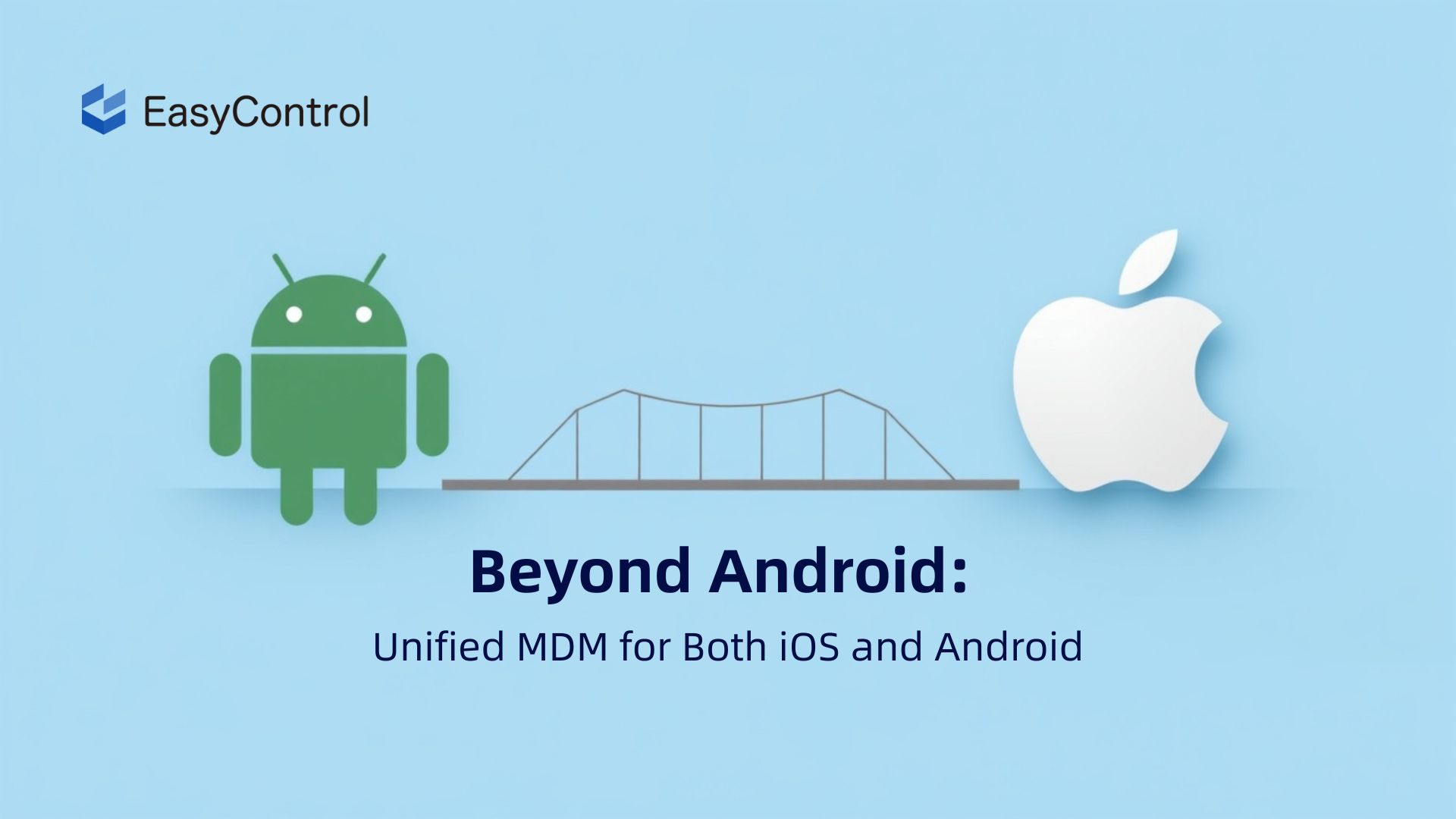
Mobile Device Management (MDM) is no longer just about Android. In a world where mixed-device fleets are becoming the norm, organizations increasingly demand solutions that work seamlessly across both Android and iOS. Yet, many MDM platforms today still lean heavily toward Android, leaving iOS users to deal with fragmented features, inconsistent policy enforcement, or even external tools.
At EasyControl, we built our platform from the ground up to be truly cross-platform. Whether your organization deploys rugged Android handhelds or corporate iPhones and iPads, EasyControl delivers a unified experience without compromise.

iOS + Android: The New Standard for MDM
In industries such as logistics, healthcare, and retail, device diversity is now common. A delivery fleet might rely on Android barcode scanners while HQ executives use iPhones for secure communication. Traditional Android-only MDMs fall short in this hybrid reality.
EasyControl stands out by offering full-featured support for both platforms under one dashboard. IT teams can apply consistent policy enforcement, real-time remote control, and lifecycle management across all devices, regardless of OS.
Learn more about EasyControl’s full MDM capabilities at www.easycontrol.io
Seamless iOS Enrollment: From ABM to EasyControl
One of the biggest challenges for IT teams managing iOS devices is the enrollment process. Unlike Android, which supports a variety of onboarding methods such as QR codes, DPC tokens, or APK auto-launch, Apple requires a more structured and controlled approach to provisioning. Without the right tools, this can result in manual configuration, longer setup times, and inconsistent policy enforcement.
EasyControl simplifies iOS onboarding by offering full support for Apple’s official frameworks, including Apple Business Manager (ABM) and Apple Configurator. This ensures a secure, hands-off registration experience, especially valuable when deploying devices at scale.
With EasyControl, organizations can benefit from:
- Zero-touch enrollment via ABM, allowing IT admins to assign devices to EasyControl directly from the Apple portal. Once the device is turned on, it automatically enrolls in MDM with pre-configured settings.
- Blueprint-based enrollment through Apple Configurator, ideal for environments that don’t use ABM, such as temporary deployments or smaller teams.
- Supervised device mode enables advanced control features like disabling iCloud account changes, restricting app removal, or locking the device to a single app.
- Automatic app deployment post-enrollment, ensuring that required business apps, settings, and configurations are installed right after registration—no manual intervention needed.
This approach not only saves time but also enhances security and compliance from day one. Whether deploying 10 or 10,000 devices, EasyControl makes sure each iPhone or iPad enters the field fully configured, policy-compliant, and ready for work, without IT needing to touch the device physically.
Looking for a guide on Apple Business Manager setup? Check out Apple’s official documentation to get started.
Deep Policy Control on iOS Devices
Many MDM solutions on the market offer basic support for iOS, but fall short when it comes to enforcing real-world enterprise policies. These lightweight platforms often treat iOS device management as a secondary function, limited to device tracking or app installation, without deeper configuration options. This leads to inconsistent enforcement, security gaps, and more manual overhead for IT administrators.
EasyControl is built differently. iOS is not an afterthought—it’s a fully supported platform with enterprise-grade policy control baked into the core of our system. Whether you’re managing BYOD iPhones or supervised iPads in the field, EasyControl allows you to enforce granular rules that keep devices secure, compliant, and productive.
Key iOS policy capabilities include:
- App whitelist and blacklist: Control which applications are allowed or blocked on company-managed devices, preventing unauthorized app installations or data leaks.
- Web content filtering: Automatically block access to inappropriate or non-business websites, protecting users and enforcing digital workplace rules.
- Wi-Fi and VPN auto-configuration: Preload network credentials and VPN settings so employees can connect securely without needing IT support—especially useful for field workers and remote teams.
- Password complexity enforcement: Require strong device passcodes with configurable parameters like length, character types, and expiration, ensuring device access is protected.
- Single App Mode or Kiosk Lockdown: Lock iPads into a specific application to create a controlled-use environment—ideal for customer-facing terminals, retail kiosks, or educational testing centers.
All policies can be remotely deployed and modified at scale from the EasyControl dashboard. IT teams can assign rules to individual devices or entire groups with just a few clicks, saving hours of manual configuration and eliminating the risk of non-compliant setups.
With EasyControl, iOS policy control is no longer limited or fragmented. It’s powerful, centralized, and designed for organizations that take security and operational consistency seriously.
Remote Commands That Matter
In today’s mobile-first workforce, the ability to manage and control devices in real time—no matter where they are—is no longer optional. Whether you’re supporting retail iPads, healthcare tablets, or field service iPhones, centralized remote commands are essential for uptime, compliance, and rapid incident response.
EasyControl empowers IT teams with a robust suite of remote command capabilities for iOS devices, putting full control just a few clicks away. Unlike limited or fragmented features found in lightweight MDMs, EasyControl enables real-time actions that are critical for business continuity and data protection.
Core iOS remote commands include:
- Remote lock: Instantly secure a lost or stolen device by locking the screen and displaying a custom message or contact number.
- Remote wipe (factory reset): Safely erase all data on the device in case of theft, employee offboarding, or policy violations, ensuring sensitive information never falls into the wrong hands.
- Device location tracking: Get the real-time GPS location of iOS devices, helping track equipment, assist field teams, or recover misplaced hardware.
- Push app updates: Deploy or update business-critical apps remotely without requiring user intervention, ensuring all devices stay on the latest versions.
- Screen lock or unlock: Temporarily freeze or unfreeze device screens, useful for classroom management, exam environments, or temporary task enforcement.
- Disable iCloud account modification: Prevent users from adding or removing Apple IDs, reducing the risk of device hijacking or unauthorized data syncing.
All these commands are executed securely via the EasyControl cloud console. Whether managing 10 devices or 10,000 across multiple time zones, your IT team can take swift action to mitigate threats, recover devices, or push critical updates—without needing to physically access the hardware.
Combined with audit logs and real-time alerts, EasyControl ensures that every remote action is trackable and accountable, making compliance reporting and operational visibility easier than ever.
Real-World Application: A Mixed-Fleet Case
A logistics company managing both Android and iOS devices faced operational challenges with their previous Android-only MDM. iPads required manual setup, leading to inconsistent configurations and higher IT workload.
By switching to EasyControl, they unified device management under one platform. With streamlined iOS enrollment and shared policy templates, their IT operations became more efficient and reliable across the entire fleet.
Unified Console, One Vision
Managing a mixed fleet of Android and iOS devices shouldn’t require juggling multiple tools or learning separate workflows. Unfortunately, many legacy or lightweight MDM platforms still treat each operating system as a separate silo, offering inconsistent capabilities, fragmented dashboards, and duplicated setup processes.
EasyControl takes a different approach.
Our platform is built on the principle of unified control, providing a single, cohesive console for managing both Android and iOS devices. Instead of switching between systems or struggling with device-type restrictions, IT teams can manage everything from one place, with a consistent, intuitive interface.
Key features of EasyControl’s unified console include:
- One dashboard for Android and iOS: No matter the device type, everything is visible and manageable from a single screen.
- Consistent UI and workflows: From device registration to policy assignment, the user experience remains the same, reducing training needs and boosting admin efficiency.
- Shared device groups and policies: Apply the same strategy to different device types, or customize where needed, all within one policy engine.
- Unified alert and report center: Get real-time insights and analytics across your full fleet, with filtering by OS, device type, location, or issue severity.
- Central audit trail for compliance: Every action is logged across devices, users, and administrators to support internal audits and external regulations.
This unified architecture not only streamlines day-to-day management but also enables organizations to scale confidently, knowing that security policies and operational standards are enforced consistently, regardless of the device operating system.
Why It Matters: Security, Scale, and Simplicity
When it comes to managing iOS devices, organizations need more than just surface-level support or feature checklists. They need real, operational control—delivered through a platform that treats iOS as a first-class citizen, not a secondary consideration.
EasyControl provides exactly that, helping modern IT teams navigate the growing complexity of hybrid environments with confidence.
With EasyControl, you can:
- Scale without managing separate tools: Eliminate the need for multiple MDMs or parallel workflows. Manage everything in one place, regardless of OS.
- Ensure compliance across all endpoints: Enforce consistent policies, monitor device health, and meet regulatory requirements with unified visibility.
- Reduce IT workload and human error: Streamline deployments, minimize manual setup, and respond faster to issues through automation and centralized control.
- Secure both corporate and BYOD devices: Apply flexible controls based on ownership type while ensuring data security on all fronts.
- Deliver fast, consistent deployments across platforms: From enrollment to policy enforcement, provide a seamless experience for both admins and end users.
In a world where Android and iOS coexist across the enterprise, EasyControl brings simplicity, scale, and security into one intelligent platform—empowering your team to manage devices without compromise.
Final Thoughts
MDM should not favor one OS over another. With EasyControl, iOS and Android are equals. Whether you’re managing hundreds or thousands of devices, EasyControl gives you one dashboard, one policy engine, and one reliable partner.
Tags
Related Articles
Blog
What Is iOS Device Management? Complete Guide
Why iOS Device Management Matters for Businesses iPhones and iPads have become useful tools for businesses of all sizes. Employees use them to communicate, access company applications, manage customer information, complete fieldwork, and perform everyday tasks. Schools, retailers, healthcare organizations, and hospitality businesses also rely on Apple devices for specialized operations. But managing one or...
Sep 15, 2026
Blog
Non Compliance and Compliance: A Guide to Compliance Risk Management
Managing hundreds or thousands of smartphones, tablets, rugged devices, and other enterprise endpoints is a major challenge for IT and security teams. Every device that accesses business applications or company data must meet defined security, configuration, application, and management requirements. Understanding device compliance and non-compliance helps organizations determine whether their devices meet these requirements. However,...
Aug 27, 2026
Blog
What Is a Conditional Access System and Why Is It Important for Zero Trust Security?
Quick Answer: A conditional access system is a security framework that evaluates user identity, device compliance, security policies, location, and risk before granting access to enterprise resources. It is a key part of Zero Trust security because it verifies every access request instead of automatically trusting users or devices. Introduction In the last decade, there...
Aug 10, 2026
Continue exploring EasyControl resources
Go deeper with documentation, strategic guides, customer stories, and video content across the resource center.