
Blog
Kiosk Mode: The Key to Turning Your Mobile Devices into Dedicated Tools
Kiosk mode is a feature in MDM (Mobile Device Management) that allows you to lock down a mobile device to a single app or a set of apps.
- Publié
- 19 mars 2024
- Mis à jour
- 11 juin 2026
What is Kiosk Mode?
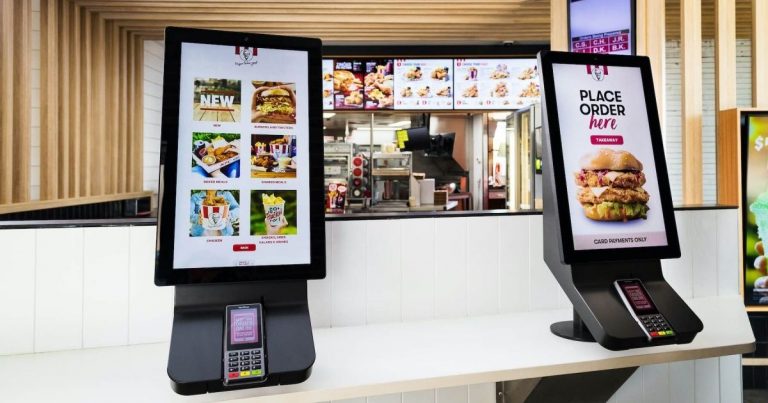
Kiosk mode is a feature in MDM (Mobile Device Management) that allows you to lock down a mobile device to a single app or a set of apps. This turns the device into a dedicated tool for a specific purpose, such as a point-of-sale system, a digital signage display, or a self-service kiosk.
What can Kiosk Mode do?
Kiosk mode can be used to:
Restrict access to apps and features: You can choose which apps users are allowed to use, and you can disable features such as the camera, the home button, and the notification bar.
Customize the user experience: You can set the device’s wallpaper, lock screen, and other settings to match your brand or the specific purpose of the device.
Protect your data: Kiosk mode can help to protect your data by preventing users from accessing unauthorized apps or websites.
Why use Kiosk Mode?
Kiosk mode can be a valuable tool for businesses of all sizes. It can help you to:
Improve productivity: By restricting access to apps and features, you can help users to stay focused on the task at hand.
Reduce costs: Kiosk mode can help you to reduce the cost of IT support by preventing users from making unauthorized changes to devices.
Enhance security: Kiosk mode can help to protect your data by preventing users from accessing unauthorized apps or websites.
How to set up Kiosk Mode
Setting up kiosk mode is typically done through your MDM software. The specific steps will vary depending on your MDM software and the type of device you are using.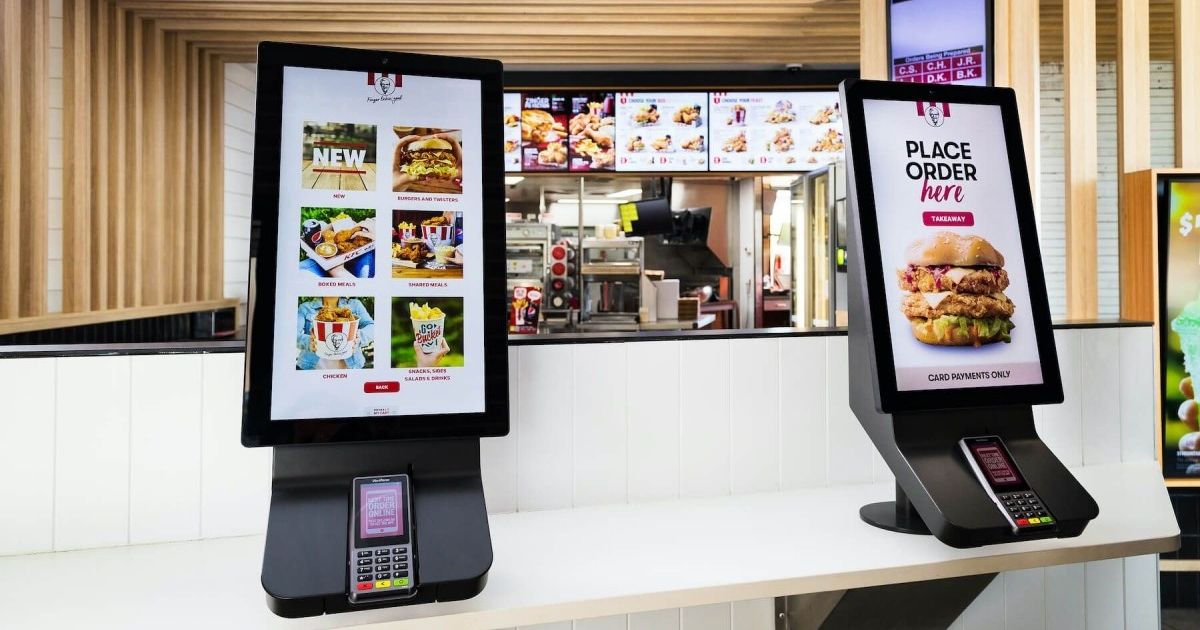
Conclusion
Kiosk mode is a powerful feature that can be used to turn your mobile devices into dedicated tools. If you are looking for a way to improve productivity, reduce costs, and enhance security, then kiosk mode is worth considering.
Balises
Articles connexes
Blog
What Is iOS Device Management? Complete Guide
Why iOS Device Management Matters for Businesses iPhones and iPads have become useful tools for businesses of all sizes. Employees use them to communicate, access company applications, manage customer information, complete fieldwork, and perform everyday tasks. Schools, retailers, healthcare organizations, and hospitality businesses also rely on Apple devices for specialized operations. But managing one or...
15 sept. 2026
Blog
Non Compliance and Compliance: A Guide to Compliance Risk Management
Managing hundreds or thousands of smartphones, tablets, rugged devices, and other enterprise endpoints is a major challenge for IT and security teams. Every device that accesses business applications or company data must meet defined security, configuration, application, and management requirements. Understanding device compliance and non-compliance helps organizations determine whether their devices meet these requirements. However,...
27 août 2026
Blog
What Is a Conditional Access System and Why Is It Important for Zero Trust Security?
Quick Answer: A conditional access system is a security framework that evaluates user identity, device compliance, security policies, location, and risk before granting access to enterprise resources. It is a key part of Zero Trust security because it verifies every access request instead of automatically trusting users or devices. Introduction In the last decade, there...
10 août 2026
Continuez à explorer les ressources EasyControl
Allez plus loin avec la documentation, les guides stratégiques, les témoignages de clients et le contenu vidéo dans le centre de ressources.