
Blog
MDM vs UDM: What Is the Difference Between MDM and UDM?
If you have spent any time exploring enterprise device management solutions, MDM and UDM may appear similar; however, their strategies differ in scope, control and security – choosing an inappropriate solution could cost your organization in unnecessary features or blind spots when devices go missing or data breaches occur. Understanding the difference between MDM and...
- Publicado
- 8 jun 2026
- Actualizado
- 24 jun 2026
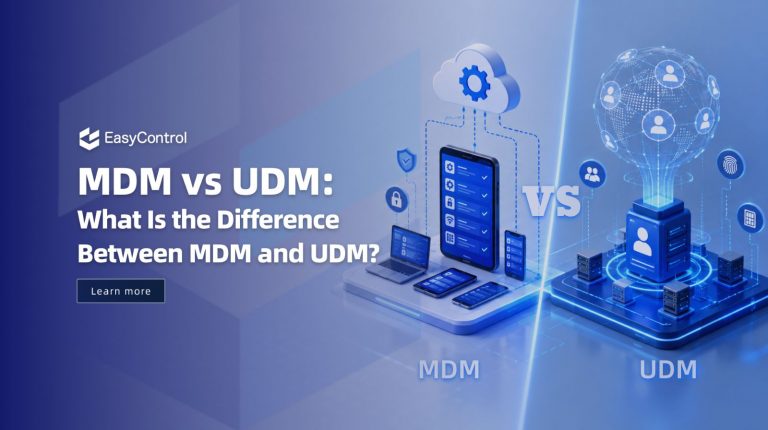
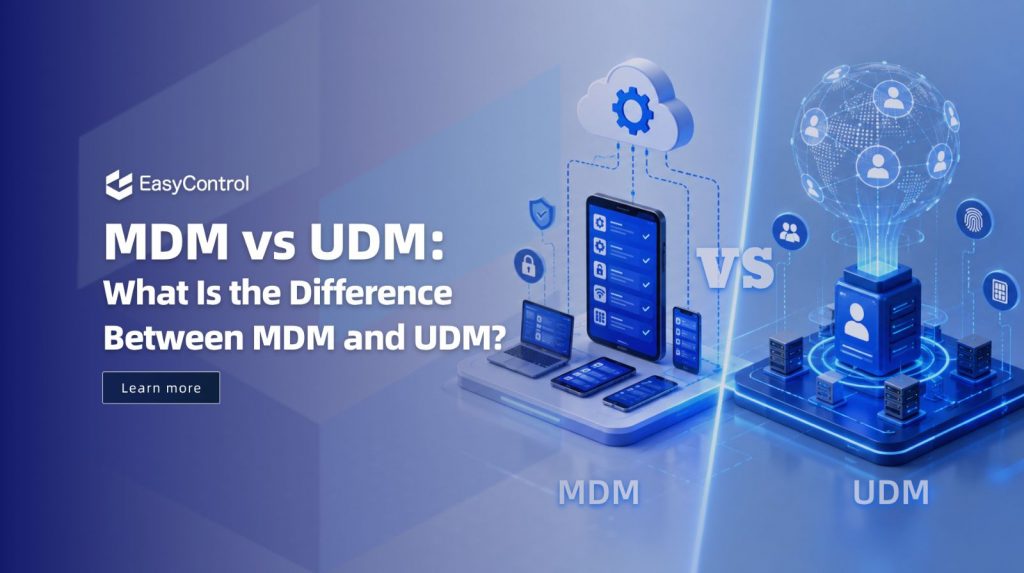
If you have spent any time exploring enterprise device management solutions, MDM and UDM may appear similar; however, their strategies differ in scope, control and security – choosing an inappropriate solution could cost your organization in unnecessary features or blind spots when devices go missing or data breaches occur.
Understanding the difference between MDM and UDM solutions and how each affects your security posture can be more than useful: It could transform the direction of your entire IT infrastructure for years. This guide breaks down these solutions to give you a framework to select one before signing any contract.
What Is Mobile Device Management?
Mobile Device Management was one of the first enterprise solutions for mobility that was designed to handle the growing popularity of tablets and smartphones in work environments. MDM applications allow IT departments to manage iOS and Android devices through a central console. This includes enrollment as well as configuration, monitoring, and wiping settings.
Core MDM Capabilities
MDM allows devices to comply with device-level policies across individual devices, including setting passcode requirements and remotely pushing Wi-Fi/VPN settings; restricting camera access; remotely locking/wiping lost devices and wiping stolen ones remotely – among many other tasks. Enrollment for MDM programs such as Apple Business Manager may take place over-the-air (OTA).
MDM works well for organizations managing company-owned mobile devices with straightforward policy requirements, such as an iPad fleet for retail sales or Android handsets used by field workers.
Limitations of Traditional MDM
MDM provides basic mobile device management solutions; however, its utility becomes limited in today’s multi-device environments as organizations increasingly adopt BYOD policies, remote work arrangements and diverse endpoint types requiring fine control from MDM solutions.
• No management of laptops, desktops, or IoT devices
• Limited app-level control policies apply at the device, not the application
• Weak BYOD privacy separation puts employees at risk of having personal data exposed
• Limited cross-platform analytics
Organizations with fewer than 200 devices and simple, uniform policy needs will find MDM to be a cost-effective starting point. However, as device variety grows, MDM quickly becomes a constraint.
What Is Unified Device Management?
Unified Device Management represents the current state-of-the-art in enterprise endpoint management. While MDM only covers mobile devices, UDM expands coverage to cover laptops, desktops, IoT devices, wearables and rugged devices from one unified console.
UDM differs significantly from MDM in philosophy: rather than managing individual device types with separate tools, UDM unifies them all under a centrally managed platform.
Why UDM Matters in 2026 and Beyond
An average enterprise workforce now uses four devices per person and managing these using different tools such as MDM solutions for phones and Windows laptops, plus separate agents for Macs can lead to policy gaps, security holes and significant administrative overhead.
Top UDM platforms integrate easily with identity providers like Azure AD or Okta, implement zero-trust access policies across every endpoint type, and deliver comprehensive analytics to give IT teams an in-depth view of their environment. UDM serves enterprises managing multi-platform environments well – it should be seen as the natural progression from MDM.
Key Advantages of UDM
• Single console for all endpoint types mobile, Windows, macOS, Linux, IoT
• Zero-trust security architecture built in from the ground up
• Advanced BYOD support with data containerization
• Cross-platform endpoint analytics and threat detection
• Seamless integration with identity providers like Azure AD, Okta
• Full app lifecycle management including remote deployment and deletion
MDM vs UDM: Side-by-Side Comparison
Here is how MDM and UDM stack up across the dimensions that matter most to IT decision-makers:
| Dimension | MDM | UDM |
| Device Coverage | Mobile devices only (iOS/Android) | All endpoint types: mobile, laptops, desktops, IoT, wearables |
| Policies | Device-level policies | Zero-trust, cross-platform policies |
| Enrollment & Access | ROM Enrollment | Unified console with Identity & SSO |
| Security Actions | Remote wipe & lock | Cross-platform analytics + advanced threat response |
| App Management | Basic app control | Full app lifecycle + IoT & wearable support |
| BYOD Support | Basic | Strong (containerization) |
Security Comparison: MDM vs UDM
| Security Feature | MDM | UDM |
| Remote device wipe | ✅ | ✅ |
| App-level security | Limited | Advanced |
| BYOD support | Basic | Strong |
| Zero-trust security | ✅ | ✅ |
| Endpoint analytics | ❌ | Advanced |
| Cross-platform management | ❌ | ✅ |
Which Solution Is Right for Your Organization?
Selecting MDM or UDM depends on three elements: device variety, Bring Your Own Device policy and individual security needs.
Choose MDM if…
Your organization maintains a small fleet of company-owned mobile devices with limited app management needs and operates under tight budget constraints. MDM may suffice as long as their security policies remain uniform across devices under 200. UDM should become essential with larger organizations.
Choose UDM if…
Your team must manage a heterogeneous environment comprising mobile devices alongside Windows, macOS, and Linux endpoints. UDM may also be helpful if pursuing a zero-trust security architecture, or if BYOD adoption rates exceed expectations or you require a single source of truth for all activity across all endpoints. Investing in UDM as an enterprise IT team represents long-term strategic value that returns in reduced overhead expenses and improved security posture.
Common Challenges When Implementing UDM
UDM provides advanced security and central endpoint control; however, the transition from MDM to UDM requires careful consideration and planning.
* Migration complexity: Existing workflows and configurations must be transferred and reconfirmed
* Higher upfront cost: Licensing and deployment expenses exceed basic MDM
* Policy standardization: Consistent policies should be defined across devices of various types and operating systems
* Staff Onboarding: Staff will need training on UDM interfaces and new access workflows before moving forward with migration of mobile endpoints, desktop computers and IoT.
Organizations that plan their transition in stages tend to experience less disruption to ongoing operations by gradually migrating all endpoints progressively over time.
Best Practices for Choosing the Right Endpoint Management Solution
Before selecting between MDM and UDM, evaluate your current infrastructure honestly and map it against your growth plans:
• Define your security goals: Do you need zero-trust, or are basic device policies sufficient?
• Inventory your device types: List every endpoint category your team currently uses or plans to adopt
• Evaluate BYOD requirements: If employees use personal devices for work, BYOD-friendly management is non-negotiable
• Prioritize compliance: Identify the regulatory frameworks (HIPAA, GDPR, SOC 2) that govern your data
• Choose scalable platforms: Select a solution that can grow with your organization without a full re-architecture
Conclusion
UDM evolved with the ever-increasing complexity of modern workplace environments. While MDM addressed mobile device management specifically, UDM provides all-inclusive management of desktop PCs, IoT devices and beyond governed through one intuitive console.
Understanding the difference between MDM and UDM platforms is vital when selecting platforms or upgrading an existing stack, whether for new purchases or reviews of an existing stack. With increasing device diversity among businesses today, UDM typically represents the only viable long-term investment solution.
FAQ
Q1. What are the key distinctions between MDM and UDM?
MDM stands apart in that it manages only mobile devices (smartphones and tablets) at device-level management; UDM entails managing all endpoint types from smartphones and tablets through laptops, desktops and IoTs from one centralized console – with zero trust security policies as well as cross-platform analytics being supported by it.
Q2: Can I upgrade from MDM to UDM later on?
Yes. Modern device management platforms often allow organizations to start out using basic MDM capabilities before gradually expanding them to UDM as device number and security requirements increase. Planning the transition in stages helps minimize complexity and minimize disruption.
Q3: Which solution is best for a BYOD policy?
UDM is the stronger choice for BYOD environments. Unlike MDM, which applies policies at the device level, UDM uses data containerization to separate corporate apps and documents from employees’ personal data ensuring IT control without compromising employee privacy.
Q4: Does UDM replace separate Windows and Mac management tools?
Yes. UDM’s primary mission is to break down IT silos by unifying Android, iOS, Windows, and macOS endpoint management under one console – eliminating separate management tools while eliminating policy gaps between platforms.
Q5: Will MDM suffice for small businesses?
MDM typically meets the device management needs of small businesses. Managing one fleet of company-owned smartphones or tablets with uniform security requirements and basic device administration needs. If this environment is expected to expand and diversify over time, considering an eventual transition into UDM is wise from its inception.
Etiquetas
Artículos relacionados
Blog
What Is iOS Device Management? Complete Guide
Why iOS Device Management Matters for Businesses iPhones and iPads have become useful tools for businesses of all sizes. Employees use them to communicate, access company applications, manage customer information, complete fieldwork, and perform everyday tasks. Schools, retailers, healthcare organizations, and hospitality businesses also rely on Apple devices for specialized operations. But managing one or...
15 sept 2026
Blog
Non Compliance and Compliance: A Guide to Compliance Risk Management
Managing hundreds or thousands of smartphones, tablets, rugged devices, and other enterprise endpoints is a major challenge for IT and security teams. Every device that accesses business applications or company data must meet defined security, configuration, application, and management requirements. Understanding device compliance and non-compliance helps organizations determine whether their devices meet these requirements. However,...
27 ago 2026
Blog
What Is a Conditional Access System and Why Is It Important for Zero Trust Security?
Quick Answer: A conditional access system is a security framework that evaluates user identity, device compliance, security policies, location, and risk before granting access to enterprise resources. It is a key part of Zero Trust security because it verifies every access request instead of automatically trusting users or devices. Introduction In the last decade, there...
10 ago 2026
Continuar explorando los recursos EasyControl
Profundice con documentación, guías estratégicas, historias de clientes y contenido de vídeo en todo el centro de recursos.